Hacking and configuring IP Camera IGSON V-IPW42-2SN-POE
I found this IP camera on junkyard
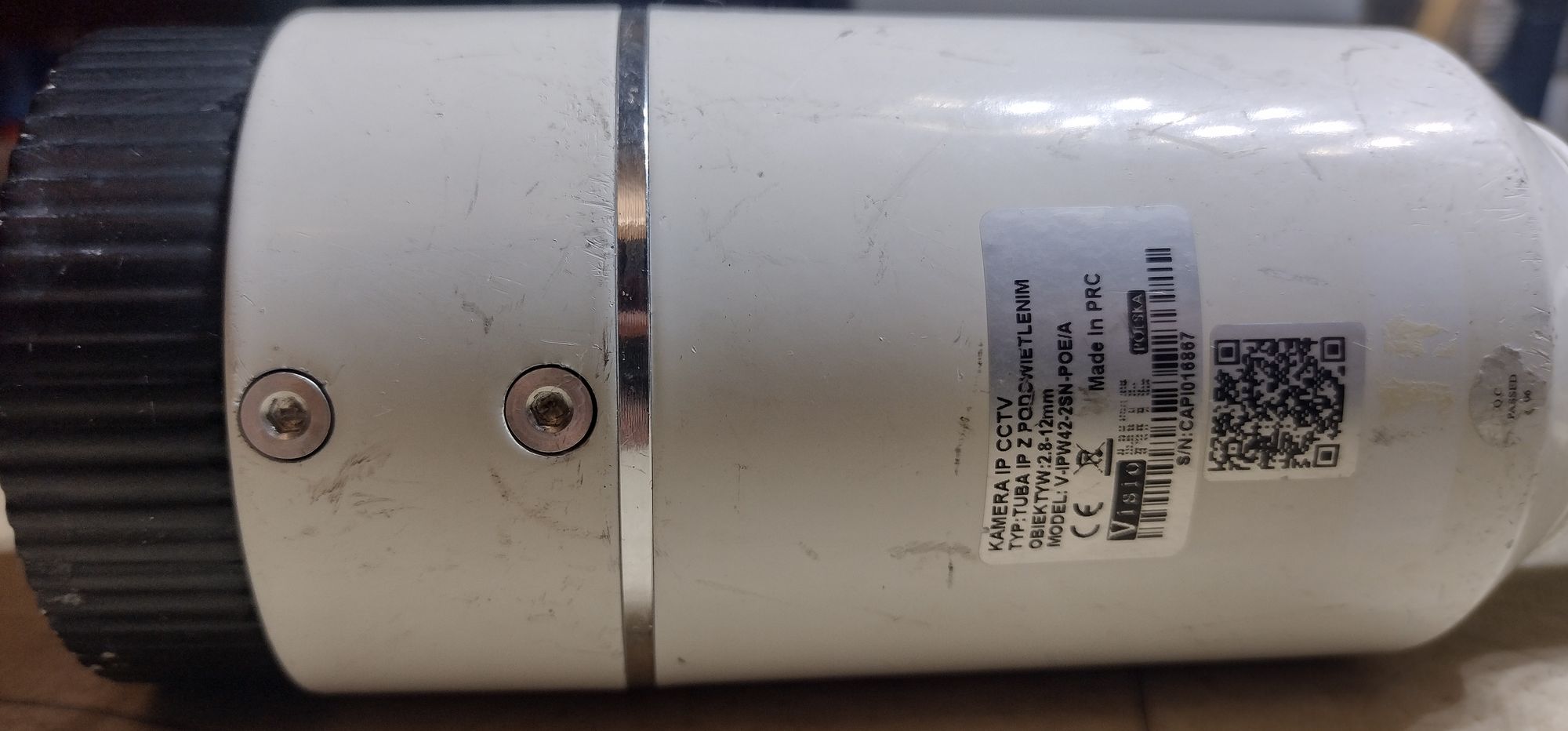
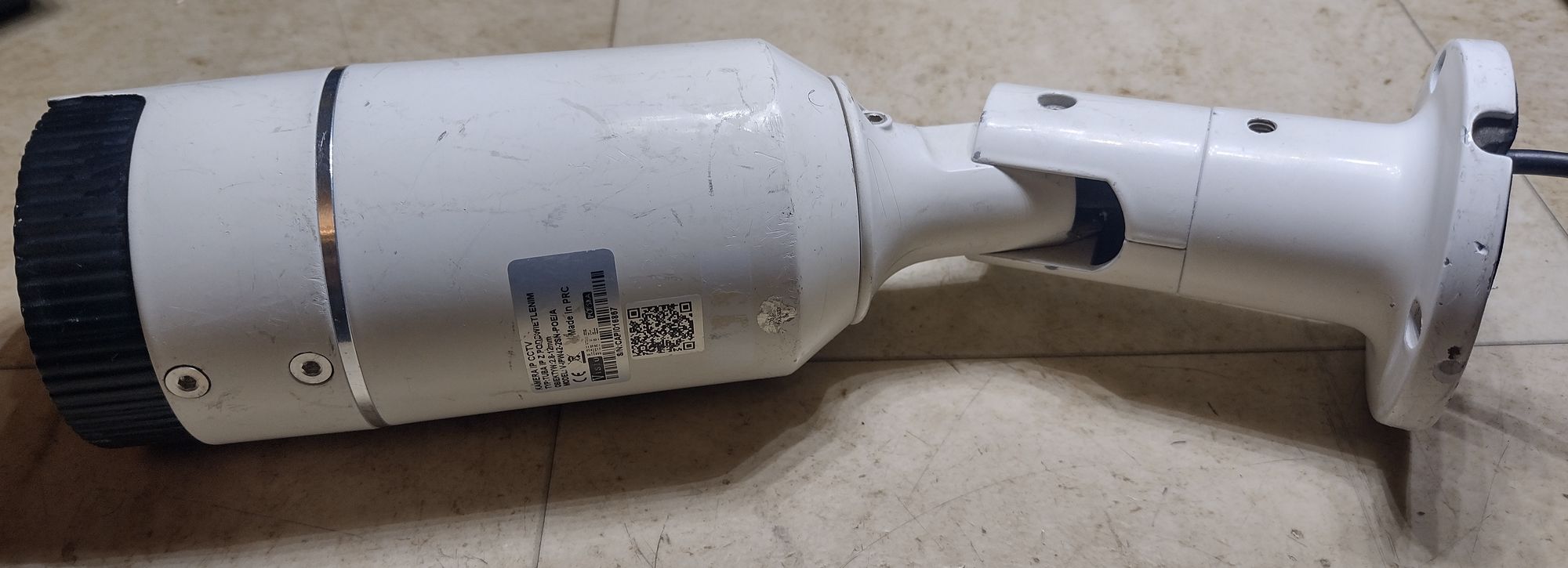
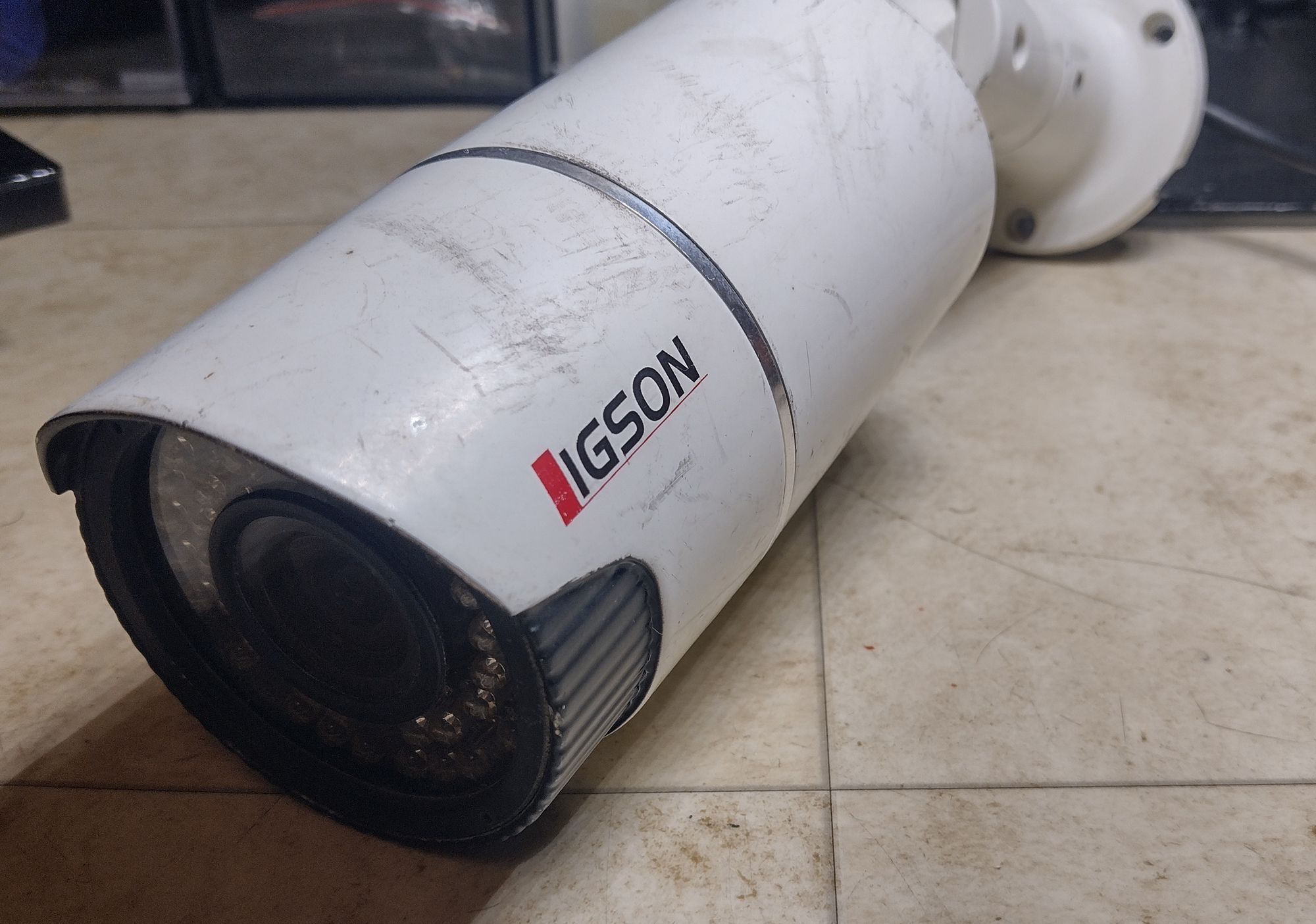
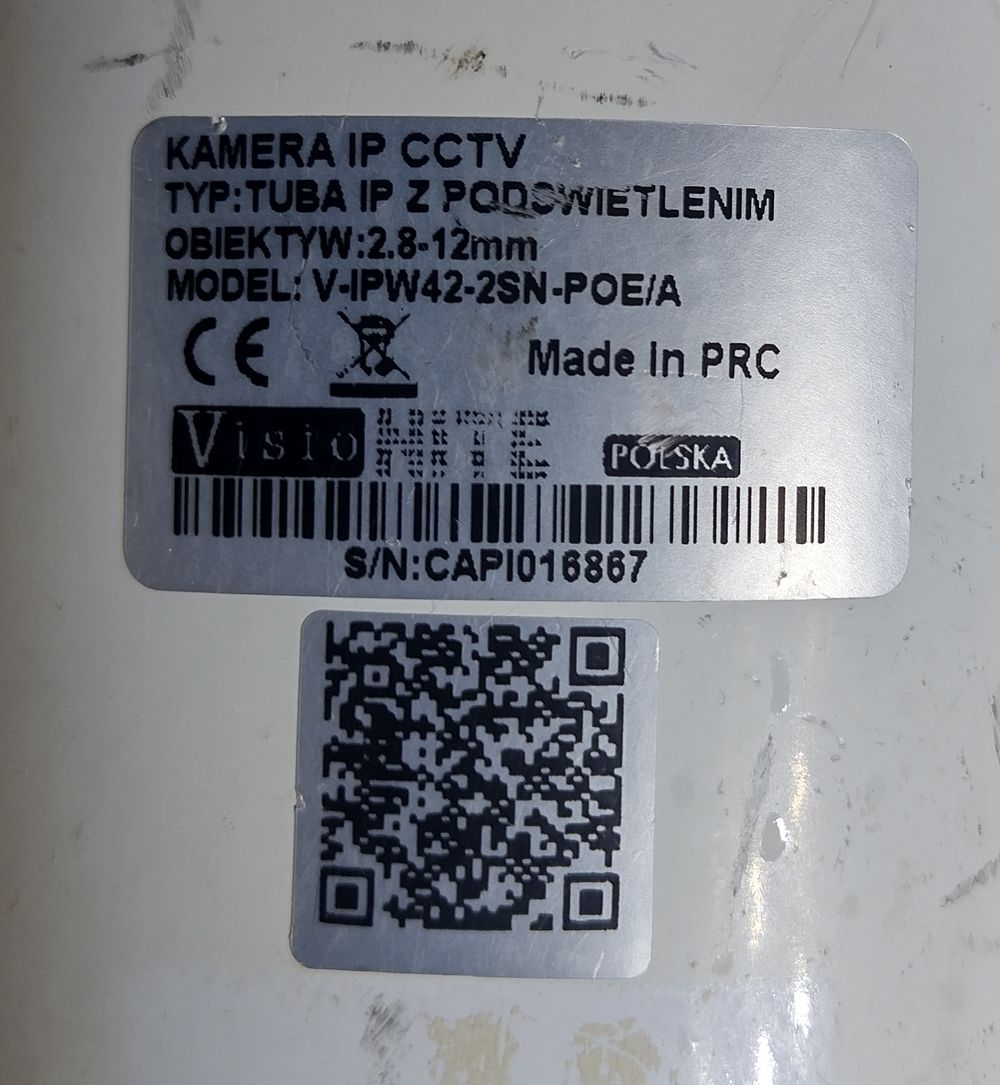
It looks ok, but have cut RJ45 connector. I managed to crimp new connector
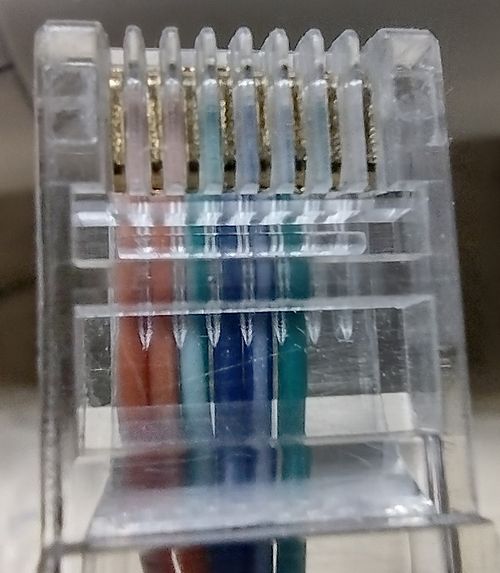
I searched a lot and unfortunately there is no datasheet for this camera on the internet.
After connecting to my computer, I set up a DHCP server with the range 192.168.1.0/24. I found that the camera uses the IP address 192.168.1.211. Someone set it to this IP because later in the admin panel, I found that the default address is 192.168.1.120.
I tried to log in to the admin panel, but I don’t know the password. Standard passwords like admin/admin won’t work. There was a simple pop-up from my browser that asked me for the username and password. Using Wireshark, I discovered that the camera uses what’s called Digest access authentication
Luckily, someone wrote a nice Python script for brute-forcing digest HTTP authentication on GitHub: Bruteforce HTTP Authentication
You can also download zipped repo here:
Download bruteforce repo
To run this script, you need a brute-force dictionary. I found one on a GitHub repo: Bruteforce dictionary database
You can also download the zipped repo here: Download dictionary database repo
I used the 2151220-passwords.txt database and assumed that the user is ‘admin’.
python3 bruteforce-http-authentication.py -w http://192.168.1.211 -u admin -f 2151220-passwords.txt -m digest
Luckily, the brute-force attack succeeded, and I found the password:
user: admin
password: 1111